Give an old computer a second life.
T2 Linux* builds a clean, modern operating system tailored to the machine you actually have — a retro gaming box, a hand-me-down laptop, a kid's first computer, or your own from-scratch distro. The newest software, on almost any hardware.
New to Linux, or switching from Windows? Read the plain-English install guide- 6,000+
- packages
- 25+
- architectures
- #1
- freshest distro**
*Not related to the Apple T2 chip “T2 Linux” project — see t2linux.org for that.
**Most up-to-date distribution, independently tracked by Repology.
$ t2 install firefox
building from source…
✓ done.
One engine, a hundred projects
T2 isn't one fixed distro — it's a kit for building exactly the computer you want. Here's where people start.
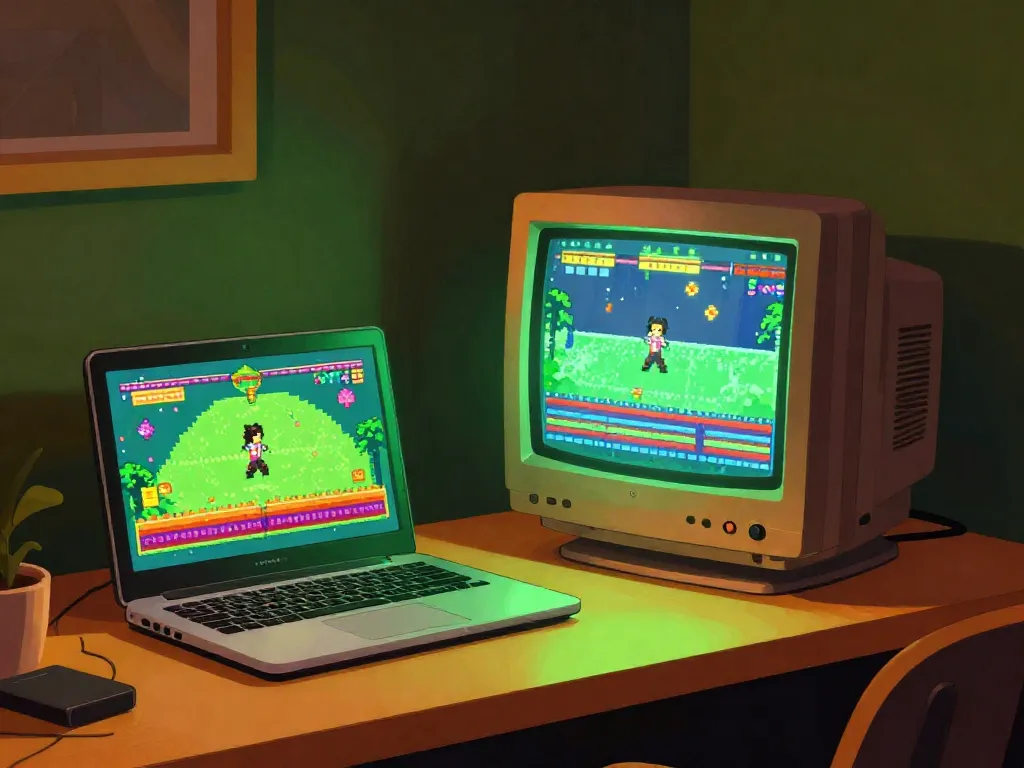
Build a retro & arcade box
Emulators, arcade cabinets, couch co-op
Turn a cheap or spare machine into a dedicated game station with exactly the emulators and launchers you want — and nothing you don't.
- RetroArch & friends, tuned to your hardware
- No bloated desktop stealing your frames
- Boots straight into the fun
Revive an old laptop
Cheap compute without spending $$$
That drawer laptop or $30 thrift-store find can be fast again. T2 builds a lean system sized for the machine you actually have — even a 32-bit netbook like an Asus Eee.
- Lightweight by design, not by accident
- 32-bit and ancient hardware welcome
- The newest software, on the oldest metal
Tinker with the kids
A safe, free machine to learn on
A no-stakes computer for projects, curiosity, and learning how computers really work. René says even his six-year-old launches a browser on T2 — yours can too.
- Free, and free of ads & nagware
- A real Linux desktop, not a toy
- Great for a first 'this is mine' computer
Build your own distro
Own your whole stack
Want sovereignty over your software without becoming a full-time maintainer? T2 is a distro construction kit: pick your packages, architecture, and toolchain, and build a complete OS from source.
- From bootable ISO to package set
- Choose your libc and compiler (glibc/musl, GCC/Clang)
- The same engine that ships T2 itself
Why people love T2 Linux
Always fresh
T2 tracks the newest upstream releases — independently ranked the most up-to-date distro by Repology. Newest software means the fewest known-unpatched security holes, which matters more every year.
Only what you need
Because it's built from source for your machine, you get a lean system — no pile of stuff you'll never use hogging RAM, disk and battery. Old hardware feels quick again.
Runs on almost anything
From a brand-new RISC-V board to a 1990s workstation, T2 builds for 25+ CPU architectures — many that every other distro has long forgotten.
“There are 2,547 distributions and they all suck differently. T2 sucks the least.”
“Why T2, and not Ubuntu, Debian, Arch or Gentoo?”
A fair question — each is great at something, and none is best for everyone. Here's an honest, side-by-side look at where T2 wins and where another distro might suit you better.
The opposite of throwing it away
In an era when computing is accused of burning through resources, here's a corner of tech that saves them. Reviving the hardware you already own is sustainability you can do on a weekend.
The carbon's already spent
Most of a laptop's lifetime carbon footprint is in manufacturing, not use. Keeping a machine running for a few more years is one of the greenest things you can do with it.
Less e-waste
Electronics are among the fastest-growing waste streams on the planet. A perfectly good computer shouldn't become landfill because an OS vendor dropped support.
Lighter on power
A lean system asks less of the CPU and RAM, so low-power and older machines stay genuinely useful — and sip less electricity doing it.
Not sure where to start?
Answer a few quick questions and our guided finder points you to the right download — or helps you build a lean custom system for your exact machine. It runs right here in your browser.
Or jump straight in:
A normal PC or laptop (since ~2010)
64-bit x86 — grab the KDE desktop ISO.
x86-64 desktopAn old or 32-bit machine
Netbooks, an Asus Eee — start from the i586 ISO, then trim it lean.
32-bit (i586)A dedicated retro / arcade box
Build a minimal target with just your emulators.
See what fitsYour own custom distro
Use T2 as a build kit — pick packages, arch and toolchain.
Read the handbookWe'll decode the download table first, then hand you to the official site (t2sde.org) knowing exactly what to click.
Want to go further? Build a custom system.
Most people just grab a ready-made ISO from the build finder. But if you want a lean, custom system — only the packages you need, for an old laptop, a retro box, or your own distro — this guided session walks you through it step by step. Account-free.
A real conversation
Answer questions about your machine and goals — no forms, no jargon.
Tuned to your hardware
Get a target, package set and toolchain that actually fit the box you have.
Commands you can run
It hands you ready-to-paste steps as you go, and you can pick it back up later.
“Most open source is written for free on the weekend.”
T2 is built almost entirely in the open, on long live-coding streams. It's one of the rare places you can watch an entire Linux distribution get debugged, package by package — with sharp opinions and a neon "T2 NUX" sign in the background. New here? Start with the Livestream FAQ.
renerebe@t2:~$ whoami
founder/CTO of ExactCODE · 25 years on T2
builds on: Ryzen · IBM POWER8 · SGI Octane · Steam Deck
editor: vim in tmux (for ~25 years)
opinion on Rust: declined
The full FAQ